
It’s time for my quarterly report card on how Microsoft is progressing with its campaign to fix Windows 11. You may recall that my first report was published at the start of July, and I was largely full of praise given what happened to Windows 11 in those first three months.
So how is Microsoft faring now we’re six months down the line? Here’s what I’ve been impressed with in terms of what Microsoft has been tinkering with lately, but I’ll also cover the missing parts of the puzzle that I really think the company needs to address with its effort to make Windows 11 better in 2026.
5 things Microsoft has got right
1. 8GB performance tuning
Do you have a PC with 8GB of RAM? You might find it provides a less-than-ideal experience running Windows 11, even though it’s enough memory to run the OS per Microsoft’s system requirements. Indeed, 4GB is officially the bare minimum, though I wouldn’t recommend it.
However, this is changing, because back in August, Microsoft let us know that one of its goals in fixing Windows 11 is memory optimization for 8GB devices (and indeed for any RAM loadout). Microsoft said that the overall aim is: “Reducing Windows memory footprint to deliver a fast and responsive Windows experience across the PCs customers use every day.”
This is a necessary move in general, but Microsoft has additional impetus to make 8GB work better, given the ongoing RAM crisis means laptop makers are increasingly falling back on this memory configuration (as 16GB is just too pricey).
It’s absolutely key that Microsoft makes Windows 11 run more smoothly on leaner RAM configurations, and we’re already seeing some evidence of performance improvements coming through — as well as faster loading for apps (not just Windows menus) — so that has to be a good thing.
2. Speed boosts elsewhere

Along with work to optimize Windows 11 for RAM usage, Microsoft also announced plans to speed up boot times. That includes not just a faster boot, but a more responsive login via Windows Hello—so we’ll hopefully get to the desktop much faster in the future. (And to be fair to Microsoft, Windows 11 already boots nippily enough, generally speaking).
Microsoft is also making the Windows 11 setup process more streamlined and quicker, which doesn’t hurt, either.
3. Search improvements
Windows 11’s search has long been subpar, and thankfully Microsoft has recognized this and made moves to address some of the thornier problems.
This includes work to make search more useful overall — so it can find files with long compound names, handle typos better, and show possibly relevant results after you’ve typed only two characters — but the most important change is the ability to turn off web results.
These are the websites that appear in the array of results Windows 11 presents and just clutter up the list, getting in the way. Now you can turn them off, and also dump any Microsoft Store suggestions too. Search is becoming a much more streamlined and useful feature (as it should have been all along, true enough, but at least Microsoft has finally fixed the major bugbears here).
4. Right clicking the right way
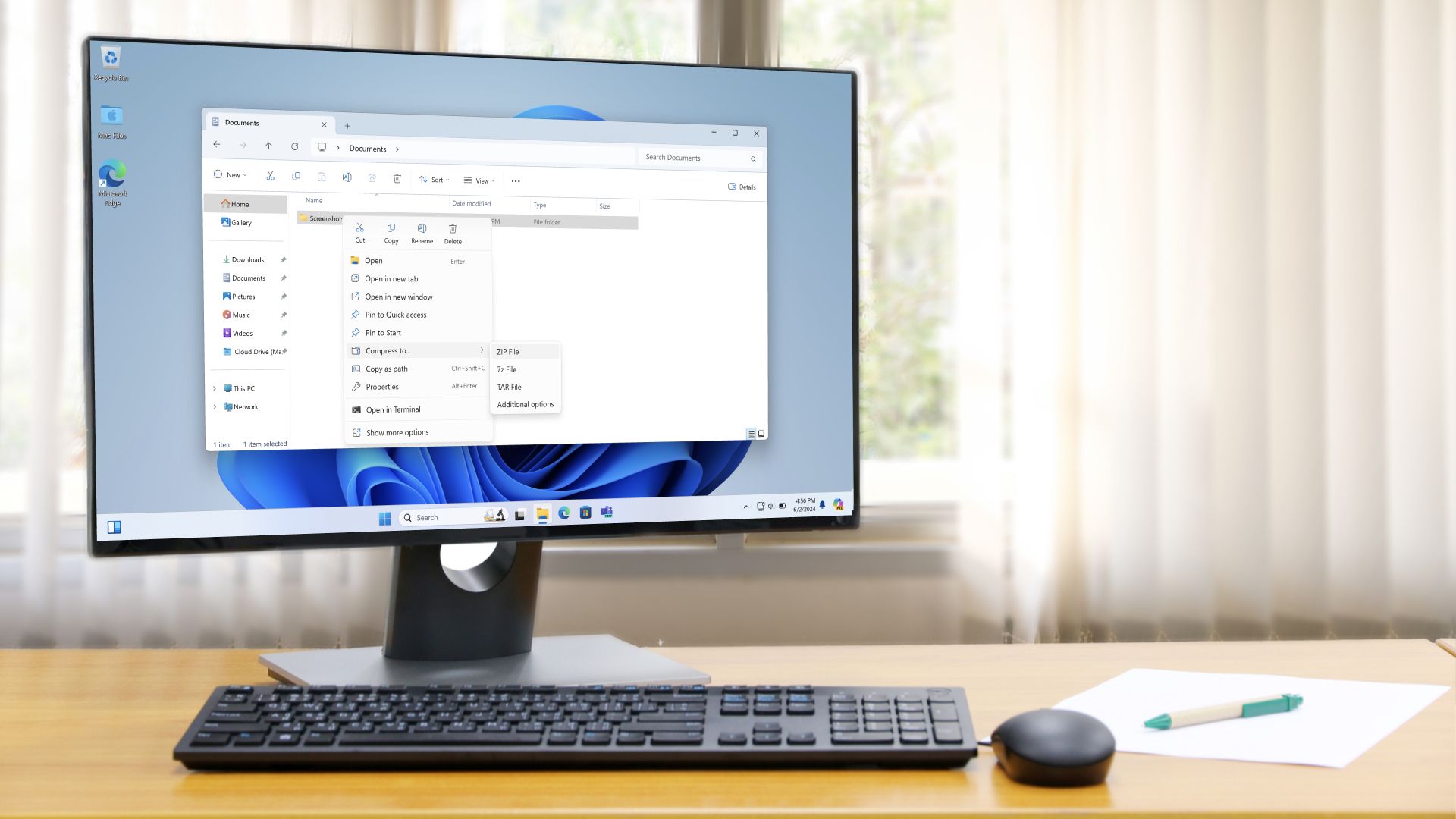
The context menu, which appears when you right-click a file or folder, is another part of the Windows 11 interface that is getting a major upgrade.
Microsoft is decluttering the lengthy list of options to make it look cleaner, pruning a bunch of stuff in the default view of the right-click menu. Again, this is something that shouldn’t have taken this long, but it’s still good to see the move finally underway.
The right-click menu is also being tuned so it loads faster, and a welcome choice to revert the layout to how it appears in Windows 10 is also in the pipeline. Good stuff.
5. Bolstering privacy
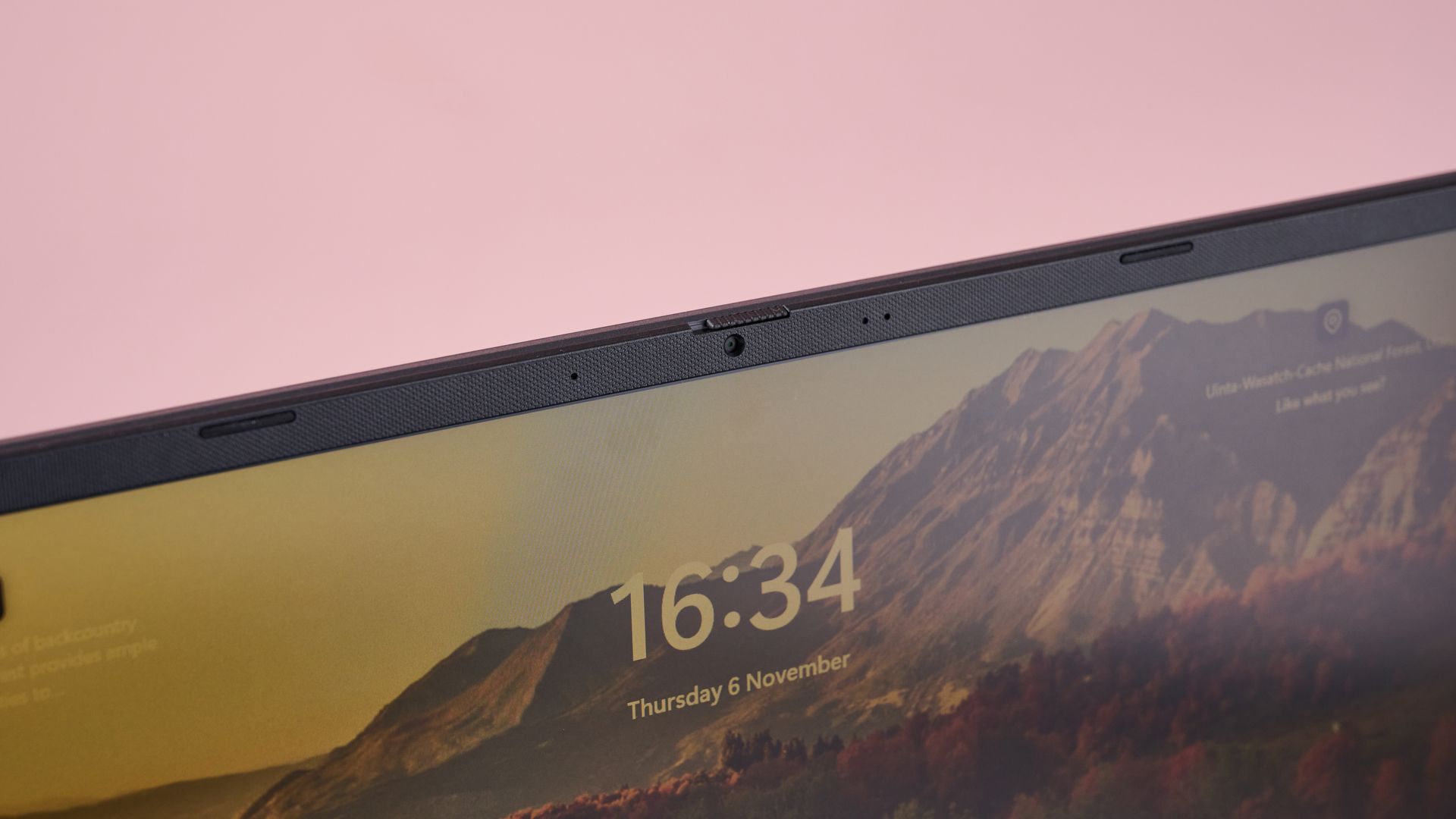
This is a minor tweak, but an important one nonetheless, as Microsoft is finally letting Windows 11 users adjust privacy controls for each installed app.
Currently, this is only possible with apps from the Microsoft Store, as other (Win32) desktop apps have a single master toggle for allowing (or blocking) camera and microphone access. In other words, you can allow permission for everything, or no apps at all, with no choices in between, which is obviously not very useful. With the change coming in (currently in testing), you’ll be able to adjust these privacy options for each app.
3 glaring oversights Microsoft has yet to address
1. Quality assurance

This one’s pretty simple: Windows 11 still has too many bugs creeping in with annoying regularity. If it’s not broken backup features, it’s audio being torpedoed by a Windows update, and those are just the latest two glitches to have emerged last month.
I keep going on about the problems with bugs, and yes, I understand that Windows is a complex beast of an OS with a lot of potential hardware configurations to juggle, and a sprawling labyrinth of legacy features to maintain.
Nonetheless, the sheer level of bugs – some of them quite serious – we continue to witness just isn’t good enough. Microsoft needs to take a long, hard look at its quality assurance and testing processes, and implement some changes – yet we never hear anything about this side of the OS.
This is the year of fixing Windows 11, and if there are two things that users would say in response to the question of what should be fixed, I’m betting that most would reply: the performance and the bugs. Microsoft is addressing those performance issues, as we’ve seen, but what about the sometimes eye-opening glitches that still make it into released versions of the OS?
2. Cut back on the promos

The good news is that Microsoft has relented in some areas when it comes to the ‘recommendations’ peppered throughout Windows 11, some of which aren’t even thinly veiled suggestions but outright adverts. For example, the widgets panel is now a much calmer, less ad-infested place.
Microsoft still needs to push further on this front, though, and communicate better with its marketing department to ensure that ridiculousness like a full-page Harry Potter advert never happens again. Yes, that ad was served through the Bing Wallpaper app, which isn’t part of Windows 11 by default, since you have to choose to install it, but it remains a prime example of the kind of promotional excess that shouldn’t happen at Microsoft.
3. Getting local
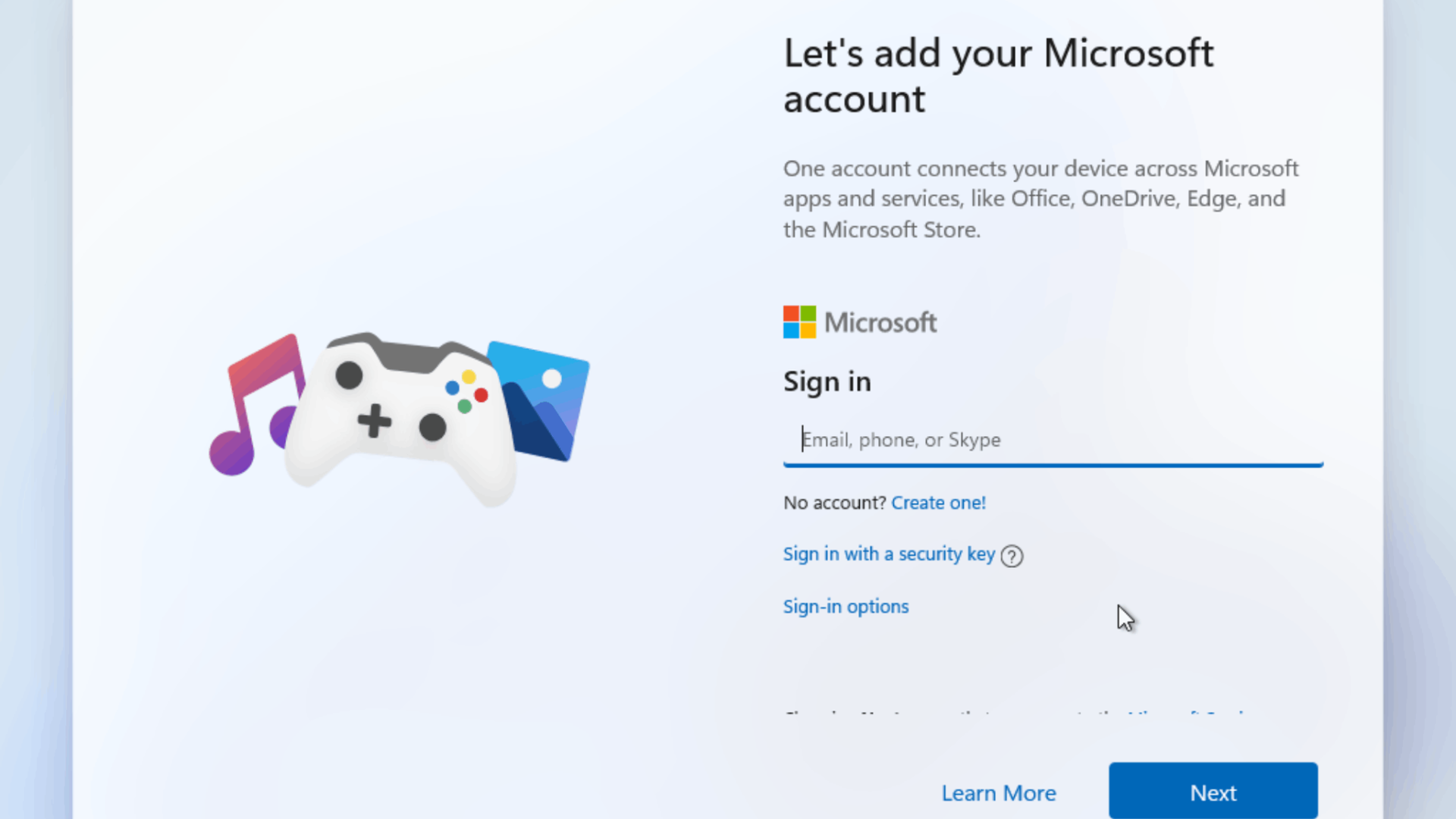
I still want Microsoft to bring back the option to install Windows 11 with a local account, instead of forcing the OS to link to a Microsoft Account during setup. There were hints earlier this year that this might happen, but none of Microsoft’s tweaks to the Windows 11 installation process so far has come close to this option.
Maybe that’ll change, but given how far Microsoft has gone in the past to prevent workarounds for dodging the Microsoft Account requirement, I’m starting to think this won’t be part of the fix Windows 11 effort, which would be a shame.
If Microsoft wants an easy crowd-pleaser, this would be relatively low-hanging fruit compared to the above two changes.
Go to Source
Darren Allan