
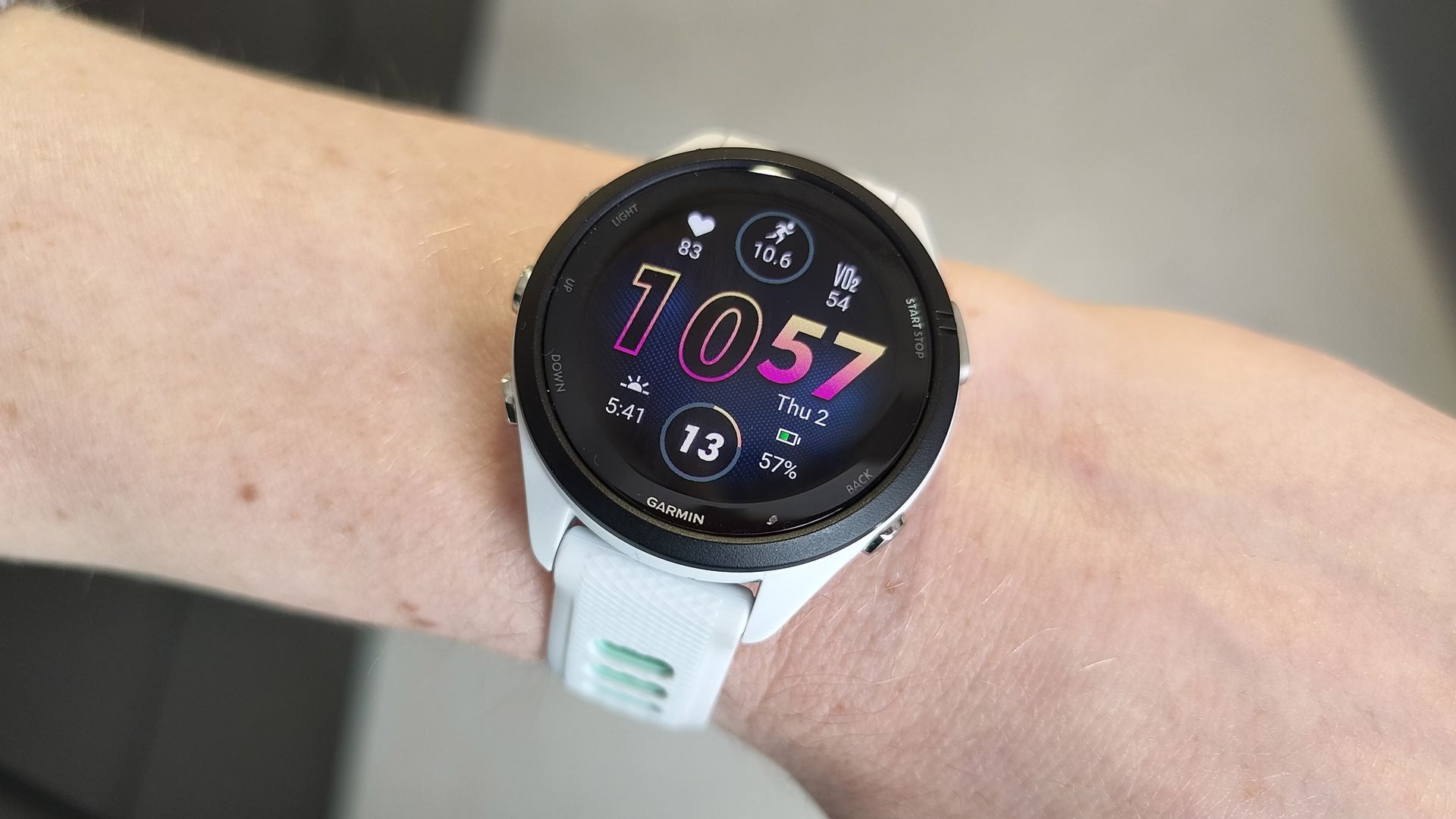
- Garmin users noticed huge battery drains after updating their watches
- The new ‘OK Garmin’ wake word could be to blame
- It’s enabled automatically but can be disabled quickly and easily
If you’ve installed the latest software update on your Garmin watch and have noticed a significant reduction in battery life as a result, there could be a simple explanation — but it’s one you might not even have thought to check.
According to multiple posts on forums and social media, many Garmin users have seen sizeable decreases in battery life when using their smartwatches on the latest software update. And the main culprit appears to be the device’s voice activation.
Starting with Garmin’s September update, you no longer need to press a button to launch voice activation on the Venu 4, Forerunner 970 and other smartwatches. Instead, you just need to say “OK Garmin,” then input your command.
The problem, as many users have found, is that this new feature can drastically reduce your battery life because it requires you watch to always be listening out for the wake word, adding a noticeable load to the battery.
Indeed, one poster on the official Garmin forums found that their battery life estimate had dropped from 15 days to nine days — a reduction of 40%. For another user, their estimate was cut in half from 12 days to six, while another went from 23 days to 12. For some people, disabling the OK Garmin feature instantly restored the battery estimate to its previous duration.
Disabling the culprit
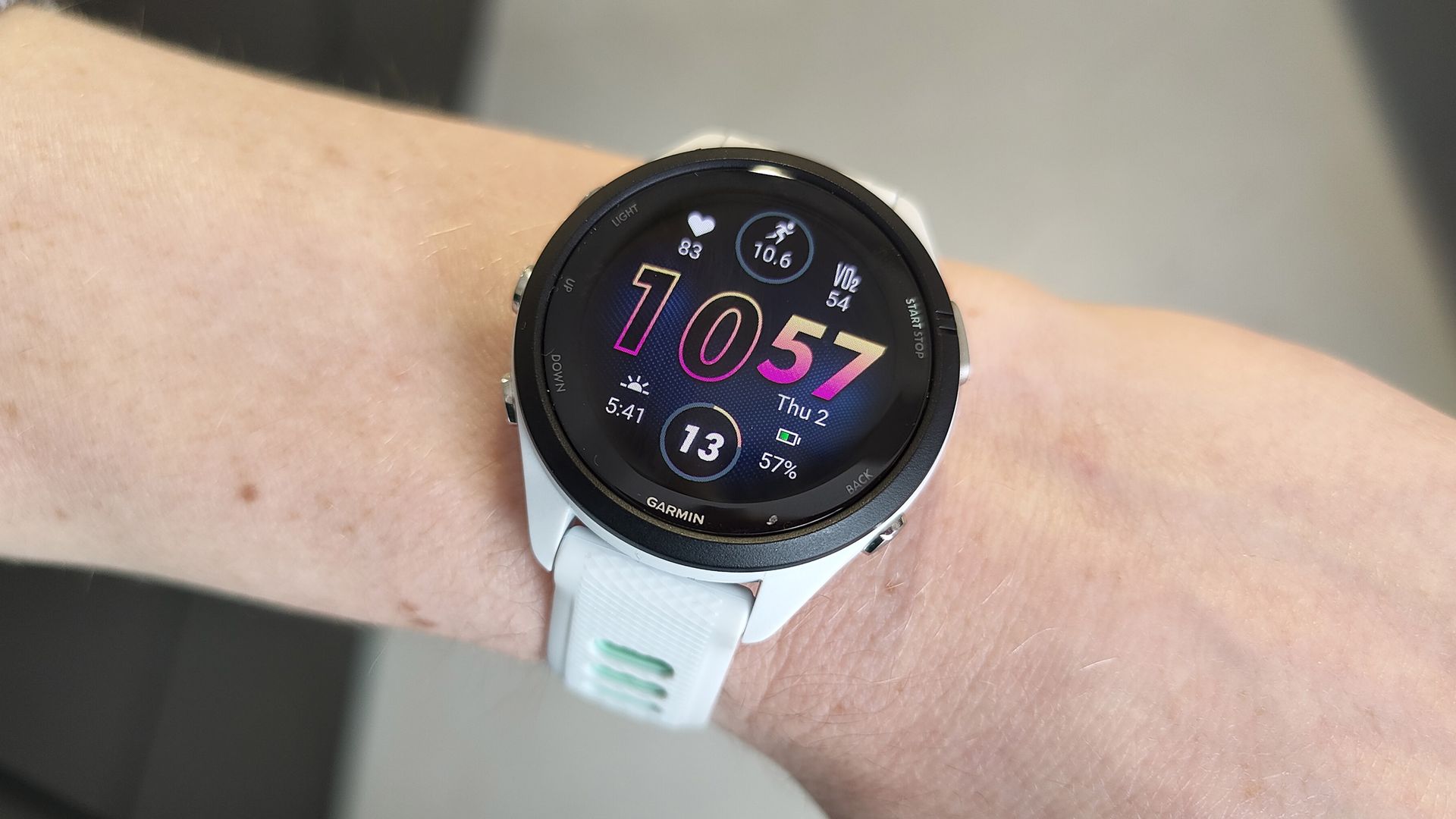
Forerunner 970 owner’s manual, for example, warns that enabling the “OK Garmin” wake word “reduces battery life,” although the company doesn’t say how much of an impact it can have.
What some users might not have realized is that the voice activation for the Garmin assistant is enabled automatically when you update to the latest software. That could leave you wondering why your battery life has been cut in half without you changing anything manually.
If you want to disable the wake word, you’ll need to go to Watch Settings > System > Voice, then disable the OK Garmin feature.
It’s possible that something else might be causing significant battery drain on your Garmin watch. But with multiple reports indicating that the OK Garmin feature could be to blame, it’s worth trying to disable it if you’re more concerned about battery life than having an always-on voice assistant on your wrist.